Albums, artists, and search
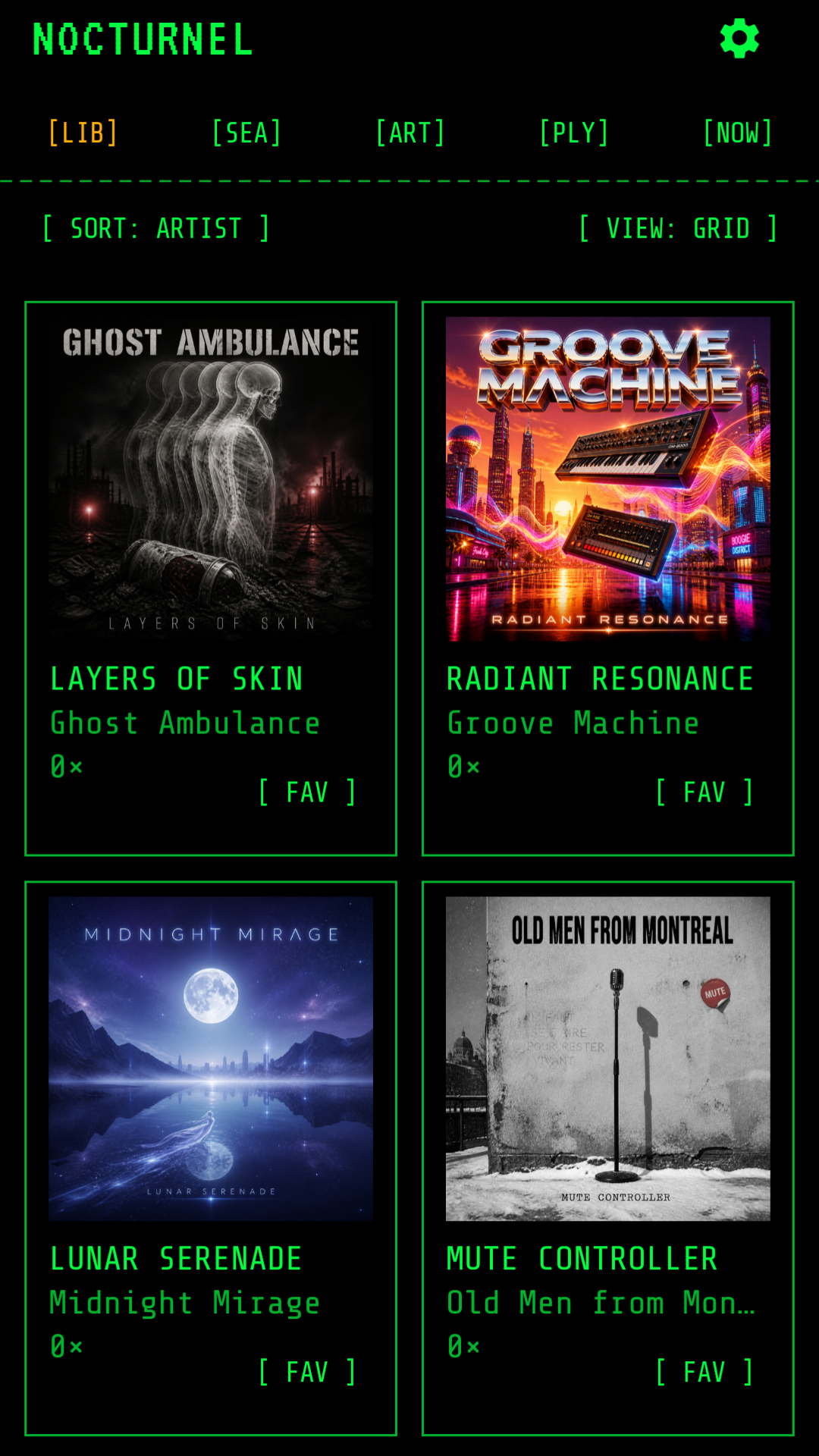
Browse in grid, cover-flow, or artist views. Search locally and sort by artist, title, year, or play count.
LOCAL AUDIO // ZERO NETWORK // ANDROID 12+
NocturneL is an offline, terminal-themed Android music player for the audio files you already own. Point it at a folder and play your library without an account, a subscription, ads, analytics, or an internet connection.
> HELP /CAPABILITIES
Select one music folder. NocturneL scans that selected folder and its descendants, builds a local library, and keeps playback and listening data on the device.
Browse in grid, cover-flow, or artist views. Search locally and sort by artist, title, year, or play count.
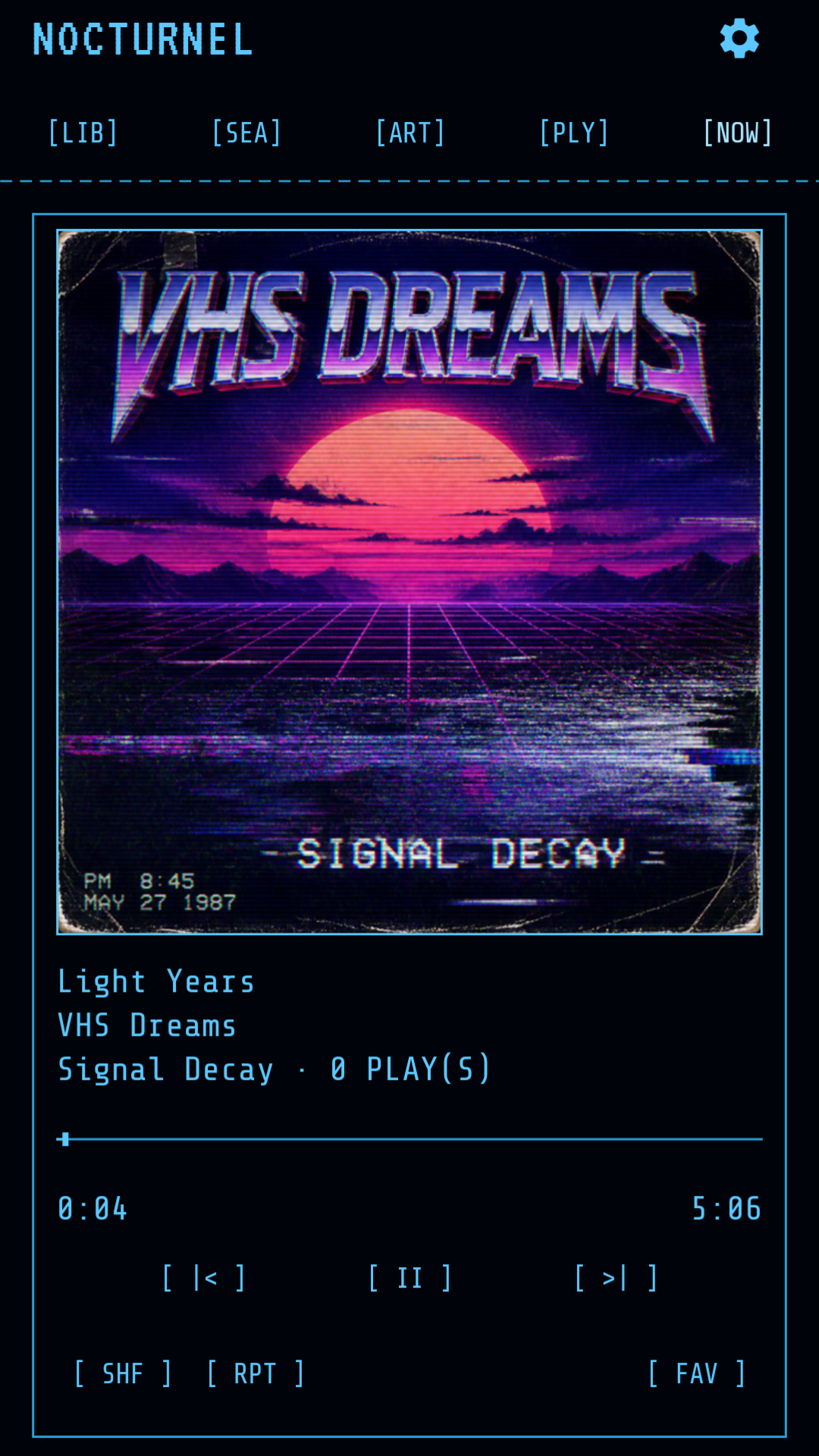
Gapless transitions, seeking, shuffle, repeat, background playback, media notification, and Android lock-screen controls.
Use an editable queue: add tracks or albums, jump to any item, drag to reorder, remove and undo, or clear what is coming next.
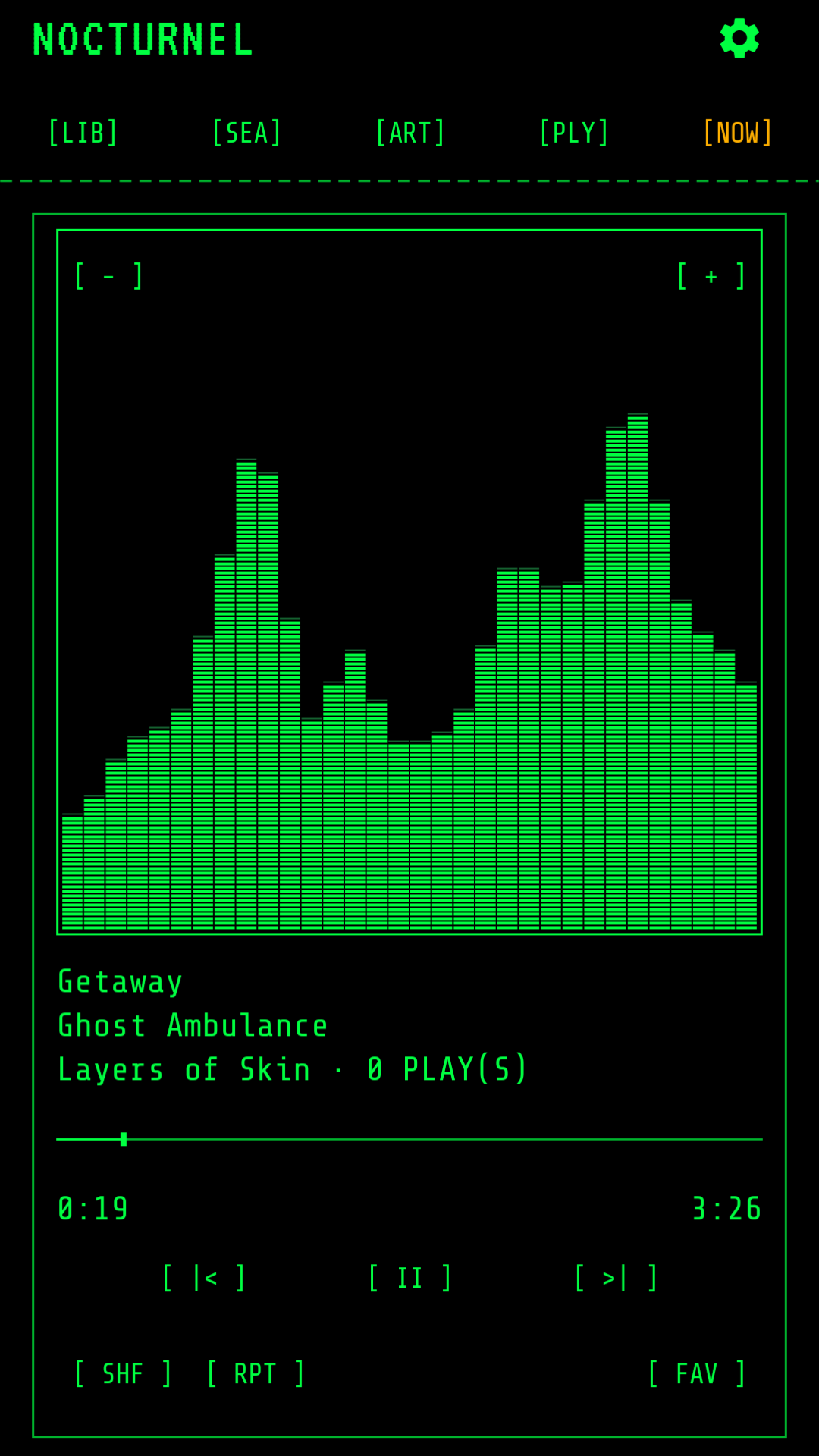
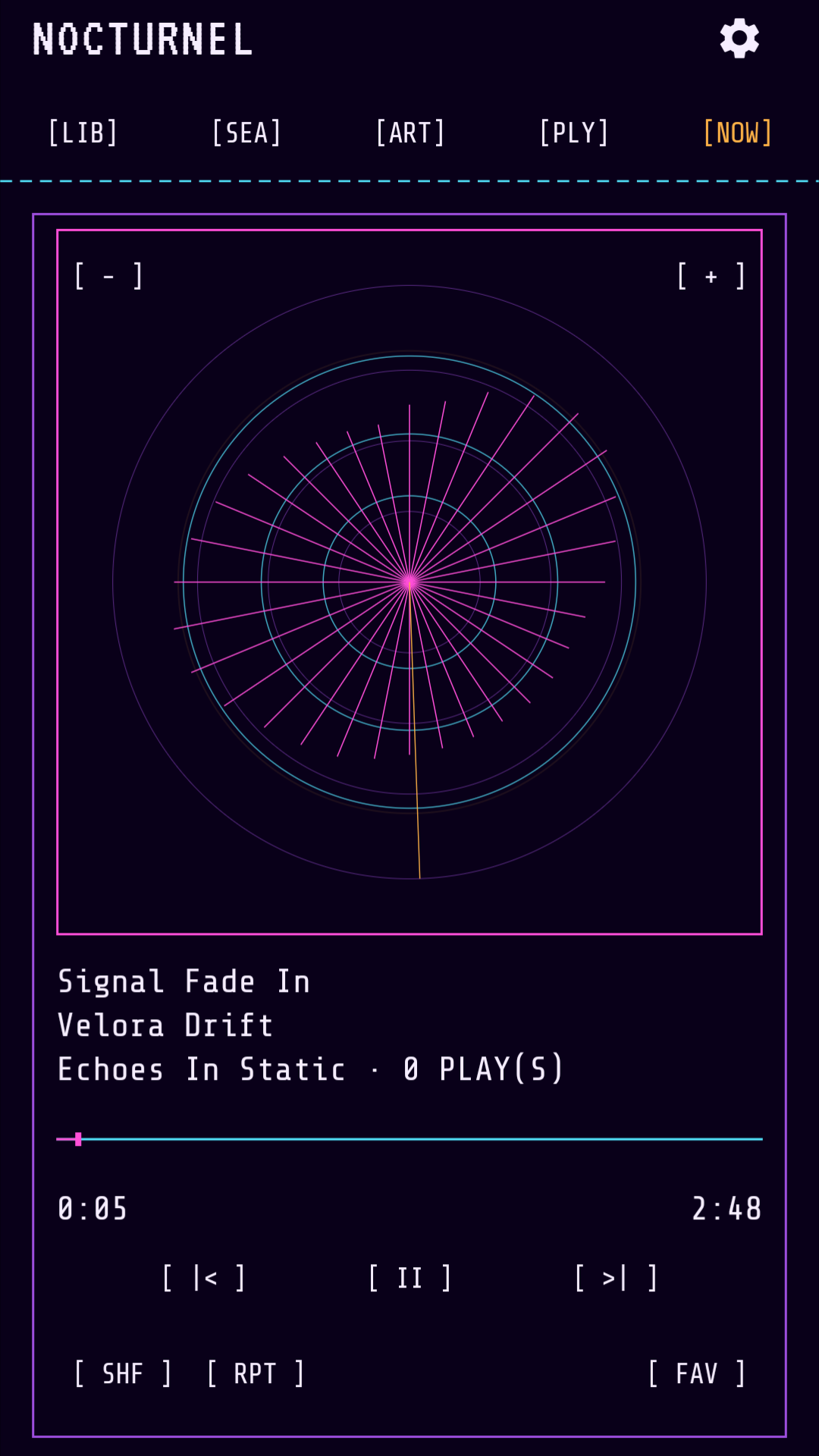
Switch between album artwork, circular radar, spectrum bars, and frequency-grid views with adjustable sync.
Build portable playlists, import or export M3U/M3U8 files, reorder tracks, and back up every playlist in a ZIP.
Favorites, play counts, listening history, most-played sorting, and playback resume all remain local.
> CONFIG /DISPLAY
The website now follows NocturneL's default green terminal palette. Inside the app, the display can be changed without changing how your library works.
> STATUS /PRIVACY
NocturneL is designed around local files and local state rather than an online account.
> VIEW /CAPTURES
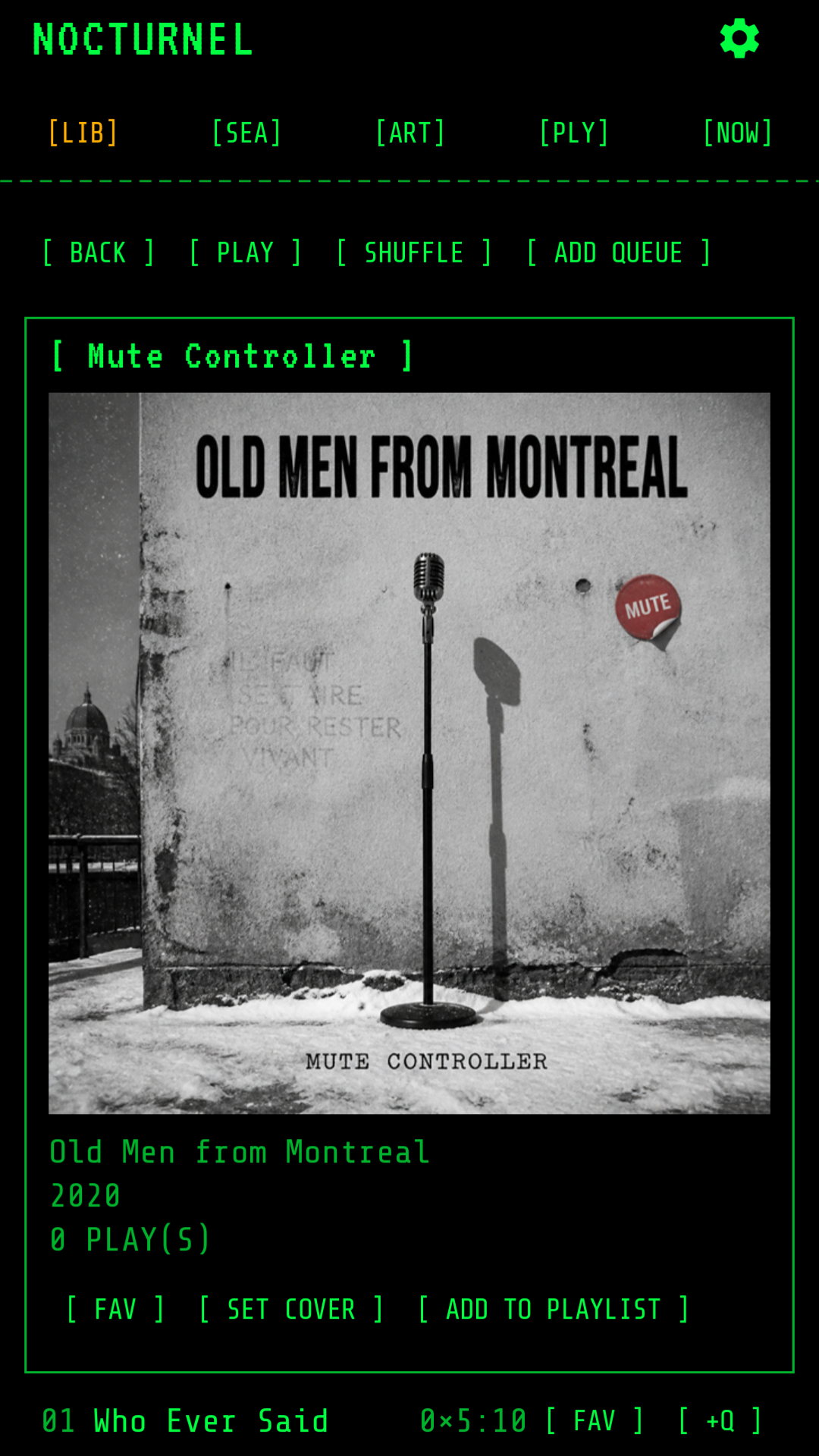
These are current Play Store captures from the app: library browsing, album detail, and the three primary Now Playing views.
> INFO /SYSTEM
Android 12+ and a user-selected folder containing music files. Folder access is granted through Android's system picker. No network connection or account is required.
Actual playback can vary with the device's Android media codecs.
> HELP
Use the complete user manual for setup and feature details, read the Privacy Policy, email nocturnelapp@gmail.com, or inspect the GitHub source ↗.